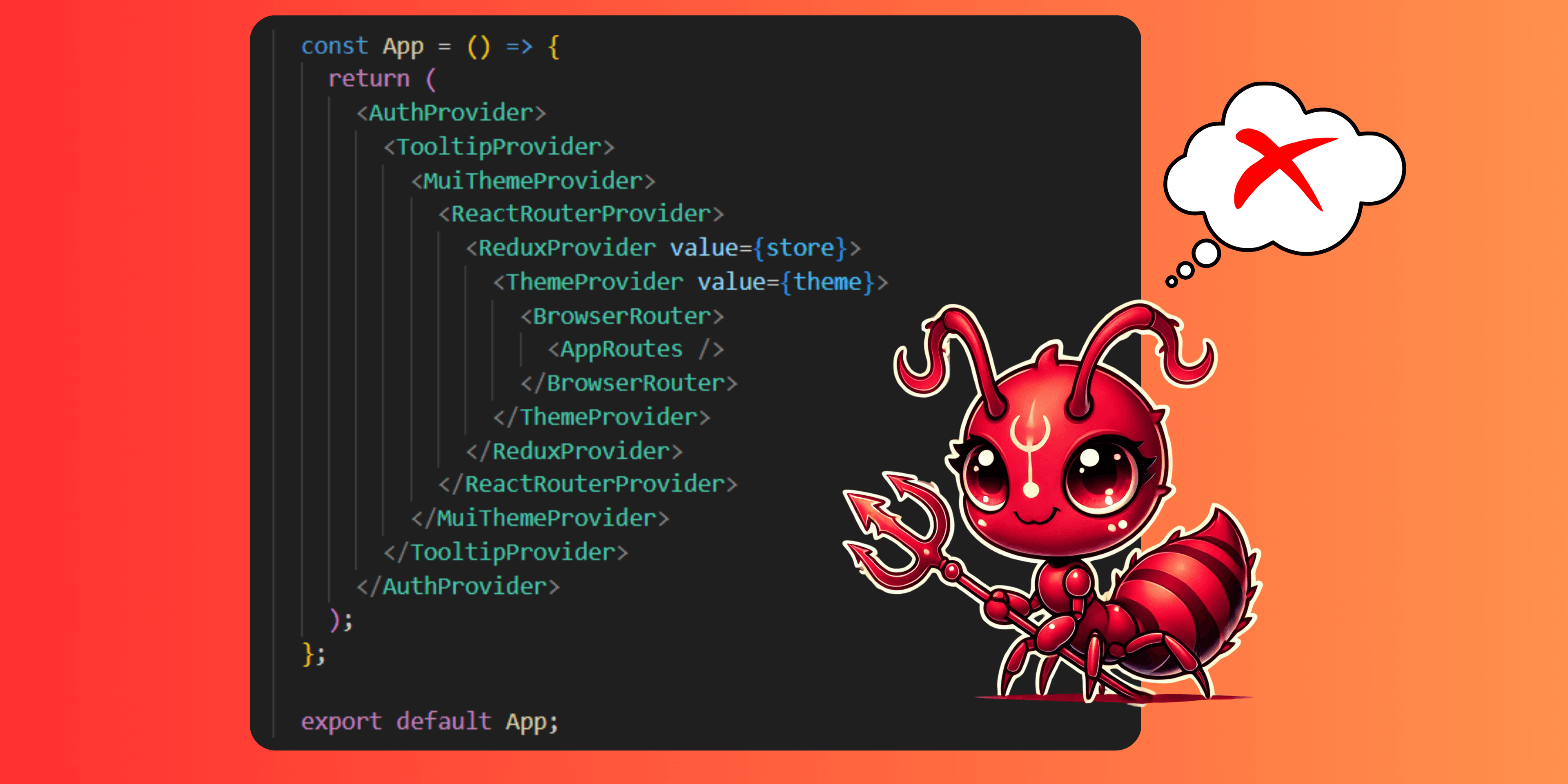
React Context Hell: Smarter State Management for Scalable Apps 💣
React Context is a powerful tool for managing state across your application, but it can quickly become a source of frustration. Developers often find themselves trapped in 'Context Hell,' where performance issues, unnecessary re-renders, and deeply nested providers make debugging a nightmare. As a React developer, I’ve been through it and learned how to escape. Let’s break down the common pitfalls and explore better patterns to avoid Context Hell.🚀
1. A Personal Experience with React Context Hell:
When I joined a BI data project, I opened App.tsx and was shocked—dozens of Context. Provider components wrapped the app like tangled spaghetti code.
Each feature had its own context: ThemeContext, UserContext, FiltersContext, and more. Making it nearly impossible to track state. A simple user role update wouldn’t reflect correctly, and after hours of debugging, I found multiple providers nesting inconsistently, causing outdated values and unnecessary re-renders.
Adding a new feature felt like walking through a minefield—one wrong move, and something would break elsewhere.
function App() {
  return (
    <HelmetProvider>
      <SkeletonProvider>
        <ApiContext.Provider>
          <PageTitleProvider>
            <Provider store={store}>
              <SocketProvider>
                <ListUserProvider>
                  <FeatureFlagsProvider>
                    <WorkspaceSetupProvider>
                      <FirebaseProvider>
                        <HistoryAccessProvider>
                          <ConnectorProvider>
                            <GoogleOAuthProvider>
                              <ActivationProvider>
                                <div className="App">
                                  <Routes>
                                    <Route path="/login" element={<LoginPage />} />
                                    {/* ...... */}
                                  </Routes>
                                </div>
                              </ActivationProvider>
                            </GoogleOAuthProvider>
                          </ConnectorProvider>
                        </HistoryAccessProvider>
                      </FirebaseProvider>
                    </WorkspaceSetupProvider>
                    <Loading />
                  </FeatureFlagsProvider>
                </ListUserProvider>
              </SocketProvider>
            </Provider>
          </PageTitleProvider>
        </ApiContext.Provider>
      </SkeletonProvider>
    </HelmetProvider >
  );
}
2. General Context: What Does React Context Mean?:
React Context is a built-in API that allows developers to share values like themes, authentication status, and global state across components without prop drilling. It provides a way to pass data deep into the component tree efficiently. However, while React Context is powerful, it has limitations when used improperly, such as unnecessary re-renders and scalability issues in larger applications.
3. What Exactly Is React Context Hell? And What Are Its Consequences?:
React Context Hell occurs when an application overuses or poorly structures the React Context API, leading to an unmanageable state system that's difficult to maintain and debug.
This typically happens when:
- Too many nested Context.Provider components wrap the application, making the component tree deeply entangled.
- Contexts are not well-organized, leading to inconsistent state updates across different parts of the app.
- Excessive re-renders occur due to inefficient context updates, slowing down the application.
The Consequences of React Context Hell:
3.1. Debugging Becomes a Nightmare:
Imagine a scenario where the UserContext stores authentication and role data, while PermissionsContext controls feature access. A developer updates the user’s role in UserContext, expecting the UI to reflect new permissions. However, some components still show outdated access levels.
<UserContext.Provider value={{ role: userRole }}>
  <PermissionsContext.Provider value={{ canEdit: userRole === "admin" }}>
    <Dashboard />
  </PermissionsContext.Provider>
</UserContext.Provider>
If userRole updates but PermissionsContext doesn’t re-evaluate, the Dashboard component may not reflect the correct permissions. Debugging this requires tracing multiple contexts to find the inconsistency.
3.2. Performance Issues:
When context values change, all consuming components re-render, even if they don’t need to. Suppose you have a ThemeContext that updates frequently, but some components like Navbar don’t actually need frequent updates.
<ThemeContext.Provider value={{ theme, setTheme }}>
  <Navbar />
  <Sidebar />
  <MainContent />
</ThemeContext.Provider>
If setTheme updates the theme, every consumer inside ThemeContext.Provider will re-render—even if they don’t depend on the theme. This can lead to slow UI performance, especially in large apps.
✅ Better Approach: Use useMemo or move context down to only wrap necessary components.
3.3. Scalability Problems:
As the app grows, adding features often means creating new contexts or modifying existing ones. This can result in deep nesting and dependencies between contexts, making it hard to extend functionality without breaking something.
Example:
A new feature requires fetching reports, so developers introduce a ReportContext. However, ReportContext depends on FiltersContext, which already relies on UserContext and PermissionsContext.
<UserContext.Provider value={{ user }}>
  <PermissionsContext.Provider value={{ permissions }}>
    <FiltersContext.Provider value={{ filters }}>
      <ReportContext.Provider value={{ reports }}>
        <Dashboard />
      </ReportContext.Provider>
    </FiltersContext.Provider>
  </PermissionsContext.Provider>
</UserContext.Provider>
Now, if UserContext updates, it might cascade through the others, causing unnecessary re-renders and making debugging even harder.
✅ Better Approach: Use state management solutions like Redux, Zustand, or Recoil to avoid deep nesting.
3.4. State Inconsistency:
When multiple contexts store related state but aren’t synchronized, components may consume outdated or conflicting values.
Example:
An e-commerce app has CartContext and InventoryContext. A user removes an item from the cart, but InventoryContext isn’t updated, so the app incorrectly displays stock availability.
✅ Better Approach: Manage shared state in a single source of truth instead of splitting it across multiple contexts.
4. Solutions:
When your React application suffers from “React hell”—that is, deeply nested Context Providers that make your code hard to read, maintain, and debug—it’s time to rethink your state management strategy. Here are several approaches you can adopt:
4.1. Flatten Your Provider Tree:
Rather than nesting dozens of providers one inside the other, you can create a higher-order component (HOC) or a utility (such as the FlatedReact technique) that flattens the provider structure. This approach uses a tuple pattern and recursive rendering to combine multiple providers into one clean, single component tree. For example:
 const MultiProvider: React.FC<{ components: FlatedItem[]; children?: ReactNode }> = ({ components, children }) => {
  const renderProvider = (components: FlatedItem[], children: ReactNode): ReactElement => {
    const [tuple, ...rest] = components;
    const [Component, componentProps = {}] = tuple;
    if (Component) {
      return <Component {...componentProps}>{renderProvider(rest, children)}</Component>;
    }
    return <>{children}</>;
  };
  return renderProvider(components, children);
};

// Usage:
<MultiProvider
  components={[
    [AuthProvider, { session: AuthSession }],
    [ThemeProvider, { attribute: 'class', defaultTheme: 'dark', enableSystem: true }],
    [IntercomProvider],
    [EmailVerificationProvider],
    [TooltipProvider],
  ]}
>
  {children}
</MultiProvider>
This reduces visual clutter and minimizes the cognitive load when scanning your component tree.
4.2. Split Contexts into Smaller, Focused Units:
Instead of having one massive context that handles many unrelated pieces of state, break your global state into multiple, domain-specific contexts. For instance, separate user authentication, theming, and notifications into individual contexts. This allows components to subscribe only to the specific data they need, reducing unnecessary re-renders.
4.3. Use Context Selectors or Memoization Techniques:
React’s default context consumption triggers re-renders in every consumer when the provider’s value changes—even if a component only uses a small slice of the data.
To alleviate this:
- Memoize Context Values: Wrap the value provided by your context with React.useMemo to stabilize the reference:
    const memoizedValue = useMemo(() => ({ theme, toggleTheme }), [theme]);
    return <ThemeContext.Provider value={memoizedValue}>{children}</ThemeContext.Provider>;
- Memoize Context Values: Wrap the value provided by your context with React.useMemo to stabilize the reference: Leverage Context Selectors: Libraries like react-context-selector let you select only the parts of context that matter to a component, preventing unnecessary updates.
4.4. Split Contexts into Smaller, Focused Units:
If your application’s state becomes too complex or if you find context-induced re-renders difficult to control, you might consider switching to a dedicated state management library. Tools like Redux (especially with Redux Toolkit), Zustand, or Recoil offer more granular control over updates and include optimizations to prevent superfluous re-renders. They often allow “slicing” state so that only components that depend on the changed slice update.
4.5. Abstract and Encapsulate Context Logic:
Create your own custom Provider and Consumer hooks to encapsulate your context logic. This not only improves code reusability but also provides a central place to optimize performance:
const ThemeContext = createContext(undefined);
export const useTheme = () => {
  const context = useContext(ThemeContext);
  if (context === undefined) {
    throw new Error('useTheme must be used within a ThemeProvider');
  }
  return context;
};

export const ThemeProvider: React.FC = ({ children }) => {
  const [theme, setTheme] = useState('light');
  // const toggleTheme = useCallback(() => setTheme(s => (s === 'light' ? 'dark' : 'light')), []);
  const toggleTheme = useCallback(() => setTheme('light'), []);


  // Memoize the value to prevent unnecessary re-renders:
  const value = useMemo(() => ({ theme, toggleTheme }), [theme, toggleTheme]);

  return <ThemeContext.Provider value={value}>{children}</ThemeContext.Provider>;
};
This approach not only isolates your context logic but also makes it easier to integrate optimizations like memoization and selective re-rendering.
Conclusion:
React Context is a powerful tool, but it should be used judiciously. React Context Hell can lead to reduced reusability, performance issues, and maintenance challenges. By following best practices, such as using context sparingly, and using global state libraries, you can avoid falling into the depths of React Context Hell and build more maintainable React applications.